Sending an eFax
To send a fax from the Ricoh copy machine:
1) Sign into the copier with your badge
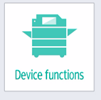
2) Choose “Device Functions”
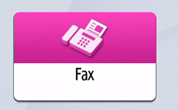
3) Choose “Fax”
4) Tap on the number pad option:

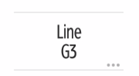
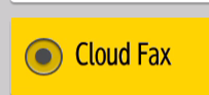
5) Tap where it says “Line G3” and change it to “Cloud Fax”
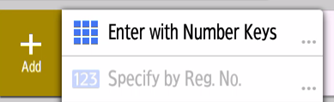
6) Choose “Add – Enter with Number Keys”
Enter the phone number as 1##########
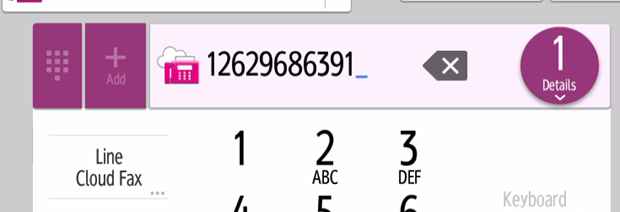
7) ** Important ** - Double-check that it says "Line Cloud Fax" and not "Line G3" before continuing
8) Tap “Finished”
9) Tap on “Start”
10) The fax should be sent momentarily